Updated November 2, 2026 · Prices checked on each vendor's own website · Written by the Bolster team (we make one of the products below)
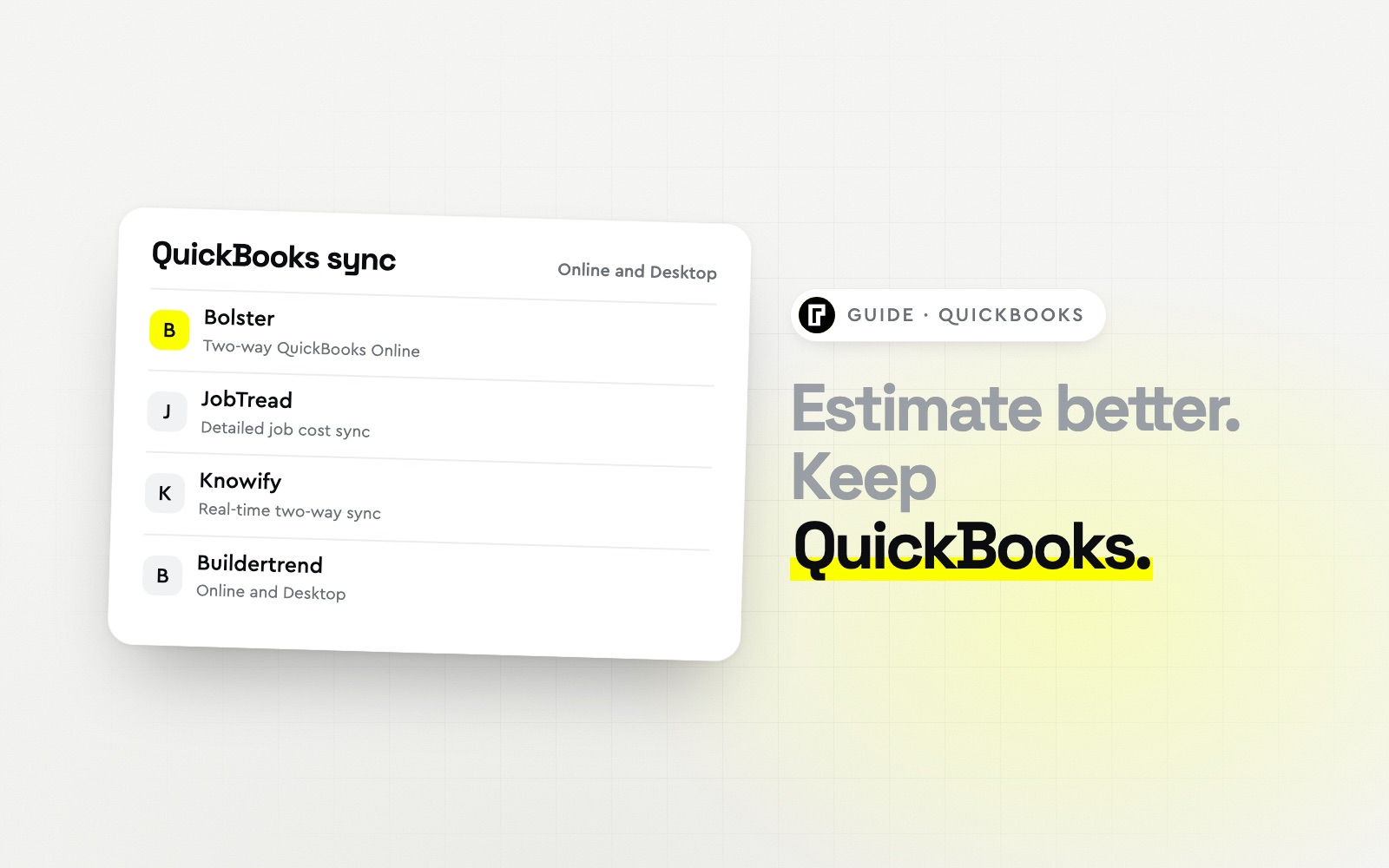
Short answer: if you estimate in QuickBooks today, move estimating into a construction tool and let it sync invoices and payments back. Bolster is the strongest fit if you want faster, better-priced estimates and proposals with two-way QuickBooks Online sync. JobTread and Knowify are best if job costing in QuickBooks is the priority, Buildertrend supports both QuickBooks Online and Desktop, and Clear Estimates is the simple low-cost option.
Check the direction of the sync: Jobber and Joist push to QuickBooks Online one way, while most construction tools sync both ways.
Estimating software that syncs with QuickBooks
| Software | Best for | Starting price (USD) | Stands out for |
|---|
| Bolster | Contractors who want better estimates and two-way QuickBooks Online sync | Pro $399/mo billed annually | AI estimates with live pricing; invoices, payments and bills sync to QuickBooks Online |
| JobTread | Contractors who live in job costing | From $159/mo billed annually | Detailed QuickBooks Online sync for jobs, bills and payments |
| Knowify | Trade contractors who want deep accounting sync | From $99/mo billed yearly | Real-time two-way QuickBooks Online, plus Desktop on Enterprise |
| Buildertrend | Builders on QuickBooks Desktop or Online | Quote only | Two-way sync with both QuickBooks Online and Desktop |
| Contractor Foreman | Budget-conscious contractors | From $49/mo billed annually | Two-way QuickBooks Online sync included |
| Clear Estimates | Remodelers who just want better estimates than QuickBooks | From $59/mo billed annually | Remodeling cost database, with QuickBooks Online and Desktop |
| Buildxact | Builders who estimate from plans | Pro from $339/mo billed annually | Two-way QuickBooks Online or Xero sync |
| Jobber | Service businesses | Connect $99/mo billed annually | Automatic one-way sync to QuickBooks Online |
QuickBooks integration at a glance
From each vendor's own integration page or help centre, checked November 2, 2026:
| Software | QuickBooks Online | QuickBooks Desktop | Direction | Plan needed |
|---|
| Bolster | Yes | Not listed | Two-way (invoices, payments, bills, POs) | Pro and up |
| JobTread | Yes | Not listed | Mostly two-way | Single plan |
| Knowify | Yes | Yes (Enterprise) | Two-way, real time | All plans |
| Buildertrend | Yes | Yes (in maintenance) | Two-way | All plans |
| Contractor Foreman | Yes | Not listed | Two-way | Included |
| Clear Estimates | Yes | Yes | Not stated | All plans |
| Buildxact | Yes (or Xero) | Not listed | Two-way | Pro and up |
| Jobber | Yes | No | One-way to QuickBooks | Connect and up |
| Joist | Yes | No | One-way to QuickBooks | Pro or Elite |
Why estimates outgrow QuickBooks
No construction pricing. QuickBooks estimates are item lists; there is no takeoff, assemblies or local cost data.
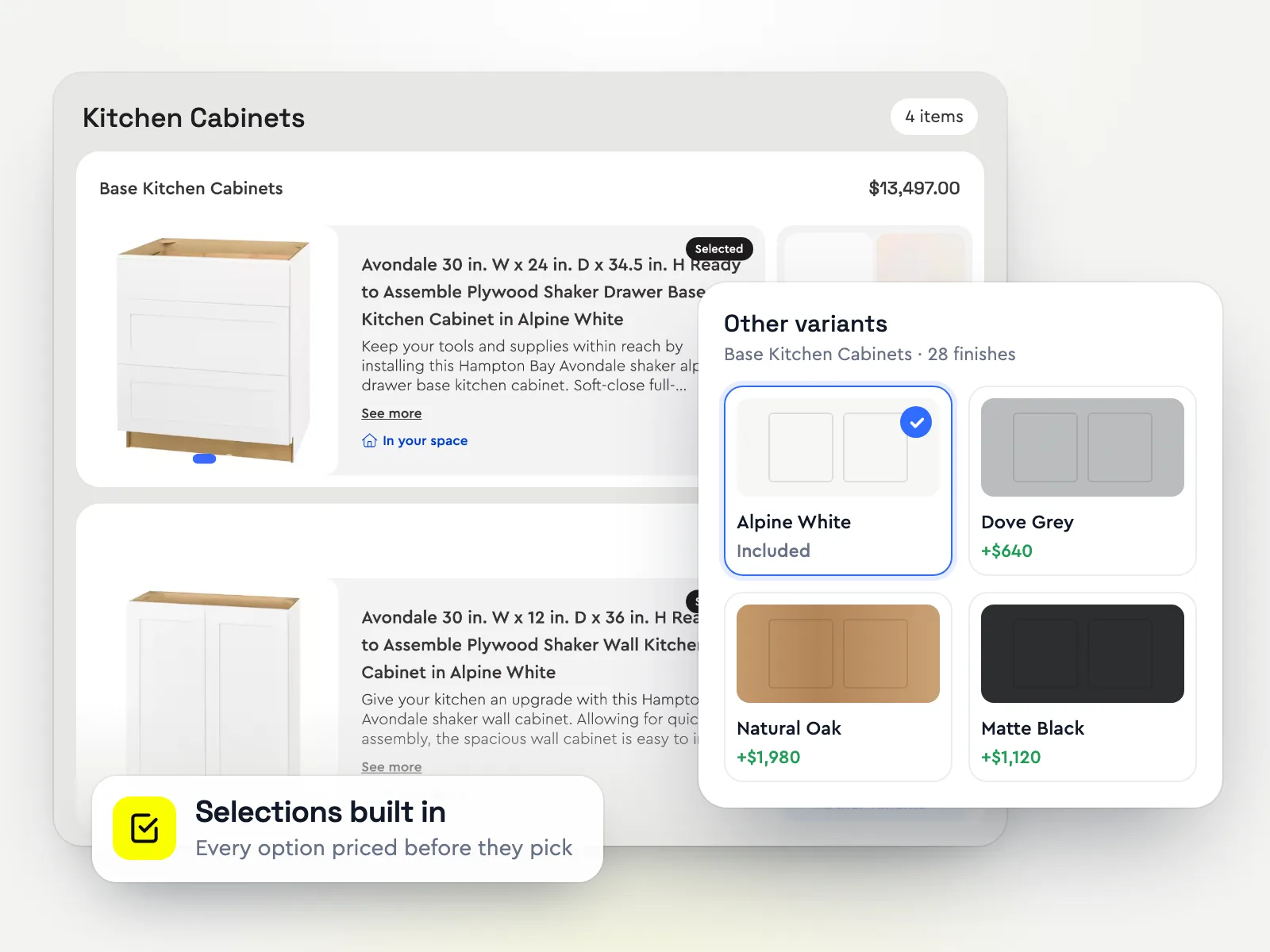
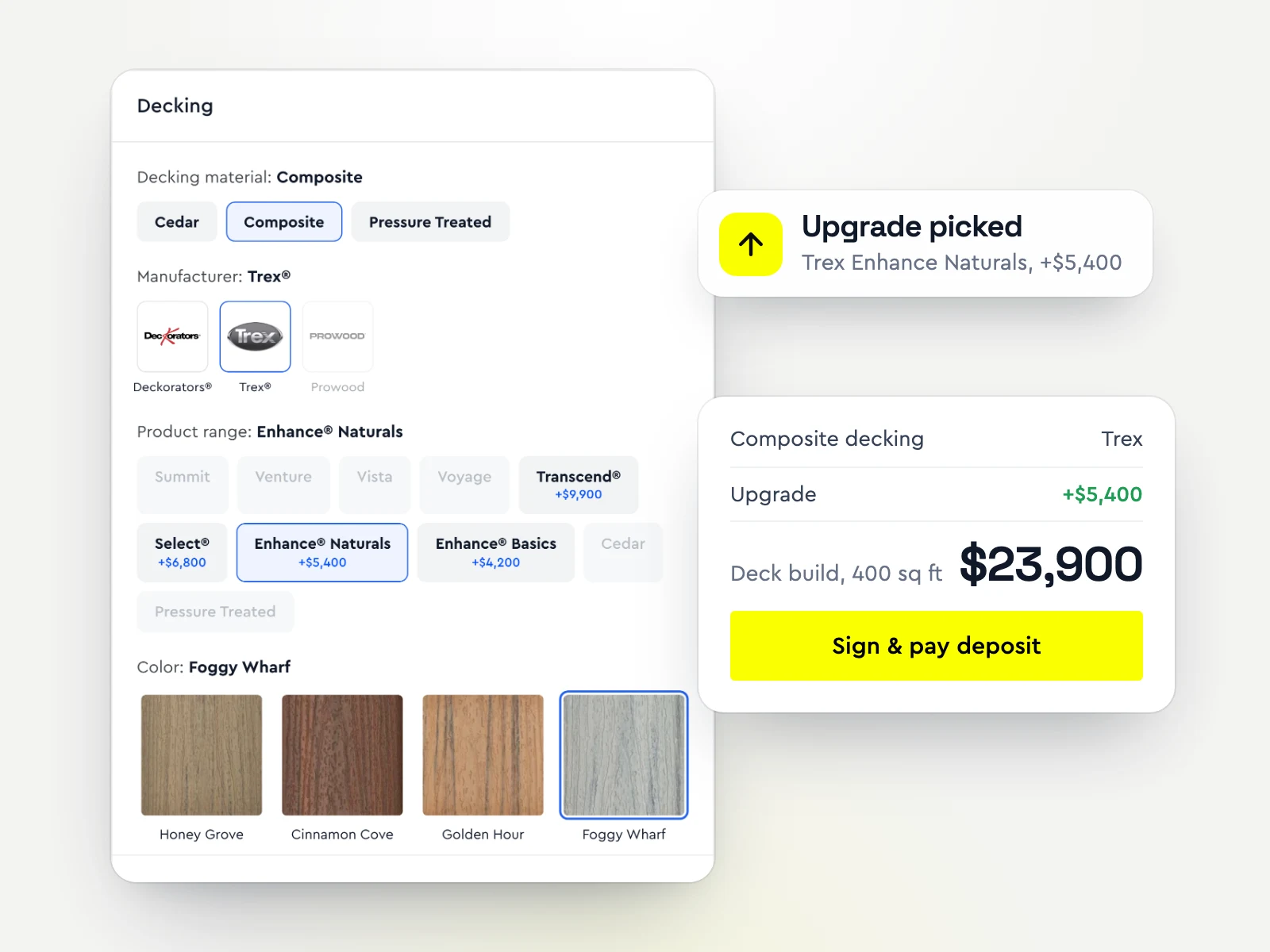
No proposal. Clients get a plain estimate, not options to choose, e-signature and a deposit to pay.
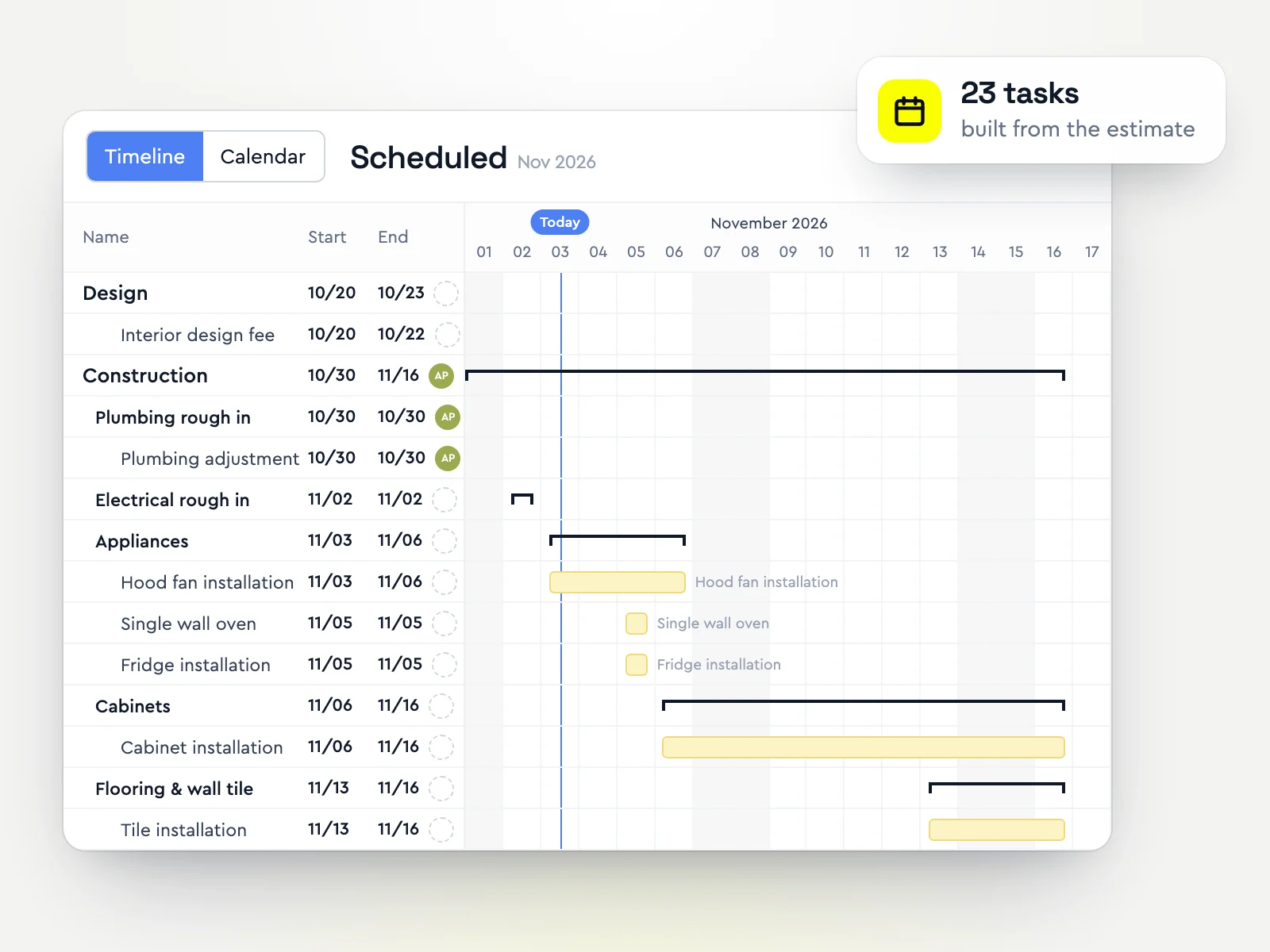
No job after the sale. Schedules, purchase orders, change orders and progress billing live elsewhere or in spreadsheets.
The fix is not to leave QuickBooks. Keep it for accounting and let estimating software send it clean invoices, payments and bills.
The best estimating software for QuickBooks users
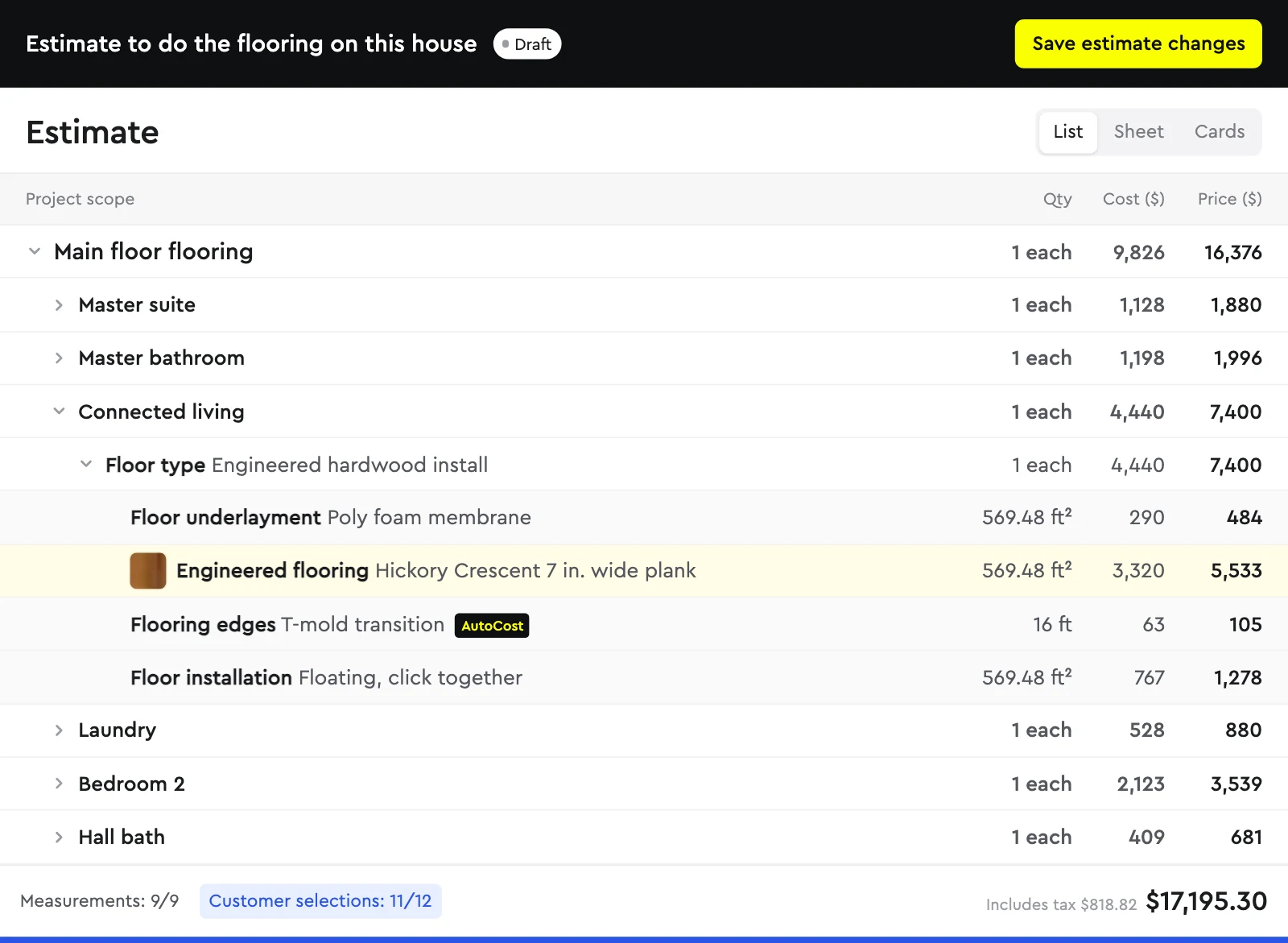
Best for: Contractors who want better estimates and two-way QuickBooks Online syncBolster replaces the estimating you do in QuickBooks with assemblies, takeoff and AI estimates priced with live regional costs, then turns the estimate into a proposal clients can sign and pay.
Through your QuickBooks Online account, Bolster syncs clients, vendors, invoices, payments, expenses and bills, and purchase orders, so job costs stay current in both systems. Payments recorded in QuickBooks sync back to Bolster.
Strengths- Two-way QuickBooks Online sync
- Live regional pricing and AI estimating
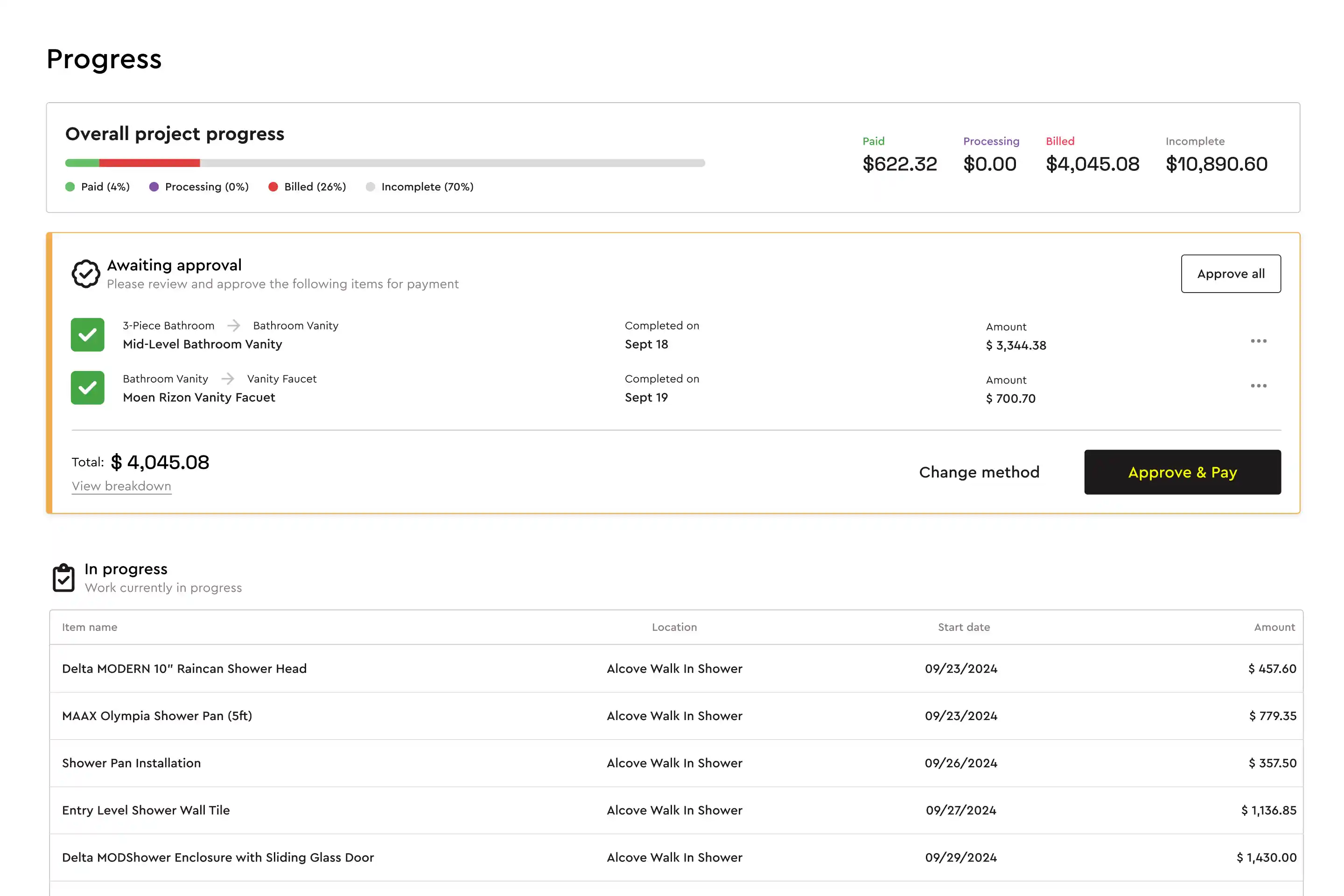
- Progress invoices created from the schedule and sent to QuickBooks
- Bills and purchase orders matched to the job
Watch-outs- QuickBooks Desktop is not listed; QuickBooks Online only
- Integrations need the Pro plan
- Built for residential contractors rather than commercial subs
Price: QuickBooks sync is on Pro: $399/mo billed annually with 3 users (Core, from $155/mo, does not include integrations) (from Bolster's pricing page, checked October 30, 2026)
Best for: Contractors who live in job costingJobTread syncs customers, jobs, invoices and payments, vendors, bills and bill payments with QuickBooks Online, mostly both ways, on its single all-features plan.
Strengths- Granular QuickBooks Online sync
- No plan gating
- Strong job costing
Watch-outs- QuickBooks Desktop not listed
- Some objects push one way only
- Prices from your own catalogue
Price: From $159/mo billed annually ($1,908/yr), or $199/mo billed monthly, + $16-20/mo per extra internal user (from JobTread's pricing page, checked October 30, 2026)
Best for: Trade contractors who want deep accounting syncKnowify is project management for trade contractors, with real-time two-way QuickBooks Online sync for purchase orders, bills, expenses and invoices, plus QuickBooks Time, Payroll and Payments. QuickBooks Desktop is on the Enterprise plan.
Strengths- Real-time two-way QuickBooks Online sync on all plans
- QuickBooks Time and Payroll
- AIA and fixed-price billing
Watch-outs- Cost-plus and T&M contracts need Advanced
- Desktop only on Enterprise
- Less focused on homeowner proposals
Price: From $99/mo billed yearly, or $149/mo billed monthly (Core, 1 user) (from Knowify's pricing page, checked November 2, 2026)
Best for: Builders on QuickBooks Desktop or OnlineBuildertrend syncs jobs, vendors, bills, invoices, time clock entries and payments with QuickBooks Online or Desktop on all plans. Its help centre says the Desktop integration is in maintenance, with new features built for QuickBooks Online.
Strengths- Works with Online and Desktop
- Two-way sync
- All plans
Watch-outs- Pricing is quote only
- Desktop integration in maintenance
- No AI estimating
Price: Quote only (custom quote after a short questionnaire and sales call) (from Buildertrend's pricing page, checked October 30, 2026)
Best for: Budget-conscious contractorsContractor Foreman includes two-way QuickBooks Online sync for invoices, bills, payments, expenses, customers and vendors in its subscription.
Strengths- Low price
- Two-way sync included
- Broad feature set
Watch-outs- QuickBooks Desktop not listed
- No AI estimating
- Basic proposals
Price: From $49/mo billed annually ($588/yr, 1 user); monthly plans from $139/mo (from Contractor Foreman's pricing page, checked October 30, 2026)
Best for: Remodelers who just want better estimates than QuickBooksClear Estimates adds a remodeling cost database and templates to your estimating and integrates with both QuickBooks Online and Desktop on all plans.
Strengths- Online and Desktop supported
- Cost database included
- Low price
Watch-outs- Does not say what syncs or in which direction
- Little for running the job after the sale
- Cost data needs local adjustment
Price: From $59/mo billed annually, or $79/mo billed monthly (from Clear Estimates's pricing page, checked October 30, 2026)
Best for: Builders who estimate from plansBuildxact syncs invoices, purchase orders and payments two ways with QuickBooks Online or Xero on its Pro plan and above.
Strengths- Two-way sync
- Xero as an alternative
- Strong plan takeoff
Watch-outs- Not on the Foundation plan
- Desktop not listed
- Traditional proposals
Price: Accounting integrations are on Pro: from $339/mo billed annually, or $399/mo billed monthly (from Buildxact's pricing page, checked October 30, 2026)
Best for: Service businessesJobber pushes clients, invoices, payments and timesheets to QuickBooks Online automatically, one way, on its Connect plan and above. It suits service work more than projects.
Strengths- Automatic sync
- Great for service and repair work
- Easy quotes and payments
Watch-outs- One-way only: nothing comes back from QuickBooks
- Needs Connect or higher
- Not built for multi-week projects
Price: QuickBooks sync needs Connect: $99/mo billed annually, or $139/mo billed monthly (from Jobber's pricing page, checked November 2, 2026)
How to move estimating out of QuickBooks
Confirm your QuickBooks version. Most tools need QuickBooks Online; check Desktop support before you buy.
Decide what syncs which way. Most contractors want invoices and payments in QuickBooks, and payments to flow back to the job.
Connect a test company first if you can, so customers and items do not duplicate.
Rebuild one recent estimate in the new tool and send the invoice through to QuickBooks.
More on the accounting side: line-item job costing and Bolster integrations.
Frequently asked questions
What estimating software works with QuickBooks?
Bolster, JobTread, Knowify, Buildertrend, Contractor Foreman, Clear Estimates and Buildxact all sync with QuickBooks Online; Buildertrend, Clear Estimates and Knowify (Enterprise) also support QuickBooks Desktop. Jobber and Joist push to QuickBooks Online one way.
Is QuickBooks good for construction estimating?
QuickBooks is good accounting software, but its estimates are simple item lists without takeoff, construction pricing, options or proposals. Most contractors estimate in a construction tool and sync to QuickBooks.
Does Bolster integrate with QuickBooks?
Yes. Bolster connects to QuickBooks Online on the Pro plan and up, syncing clients, vendors, invoices, payments, bills and purchase orders.
What is the difference between one-way and two-way QuickBooks sync?
One-way sync sends invoices and payments into QuickBooks but nothing comes back. Two-way sync also brings changes made in QuickBooks, such as payments recorded there, back into the estimating tool.
Does it work with QuickBooks Desktop?
Fewer tools support Desktop. Buildertrend, Clear Estimates, Knowify (Enterprise) and Leap support it, and Buildertrend says its Desktop integration is now in maintenance, with new features built for QuickBooks Online.
How we put this together: Bolster makes one of the products on this list, so we have tried hard to be fair to the others. Each vendor's price comes from its own pricing page on the date above, and features come from the vendors' own websites and help centres. We list each tool for the kind of contractor it suits best rather than ranking them, because the right choice depends on your trade, team size and how you sell. Prices change; check the vendor's site before you buy. Spot something out of date? Email support@bolsterbuilt.com and we will fix it.