Updated November 12, 2026 · Prices checked on each vendor's own website · Written by the Bolster team (we make one of the products below)
Short answer: Buildertrend is the most complete project management system and suits remodelers running many jobs at once with a sales call for pricing. JobTread is the job-costing choice, with one published plan from $159/mo billed annually. Houzz Pro suits design-led remodelers who want 3D plans, mood boards and Houzz leads, from $199/mo.
CoConstruct is switching off and moving its customers to Buildertrend, so it is no longer an option for a new remodeler. If your bottleneck is quoting fast and winning the job rather than running it, look at Bolster: live local pricing, AI estimates and proposals where clients pick upgrades, sign and pay. Contractors using Bolster win 20% bigger jobs at 2x the win rate.
Buildertrend vs JobTread vs Houzz Pro vs Bolster at a glance
| Software | Best for | Starting price (USD) | Stands out for |
|---|
| Buildertrend | Remodelers running many jobs at once | Quote only | The most complete project management |
| JobTread | Remodelers who run on budgets and job costing | From $159/mo billed annually | Budgets, purchase orders and job costing |
| Houzz Pro | Design-led remodelers who want leads | From $199/mo | 3D floor plans, mood boards and Houzz leads |
| Bolster | Remodelers whose bottleneck is quoting and winning jobs | From $155/mo billed annually; AI and AutoCost on Pro, $399/mo | Live local pricing and proposals clients buy from |
How a small remodeler should compare them
All four will produce an estimate, a proposal and an invoice. The differences are in where each one is strongest: running the job (Buildertrend), knowing your numbers (JobTread), designing the space (Houzz Pro) or pricing and selling the job (Bolster). Pick the one that is strongest where your business loses the most time or money today.
Losing time on estimates? Look hardest at how each tool prices materials and labour: your own catalogue, an average database or live regional costs.
Losing jobs after the quote? Look at the proposal the homeowner sees: can they choose options and sign on a phone?
Losing margin during the job? Look at budgets, purchase orders and change orders.
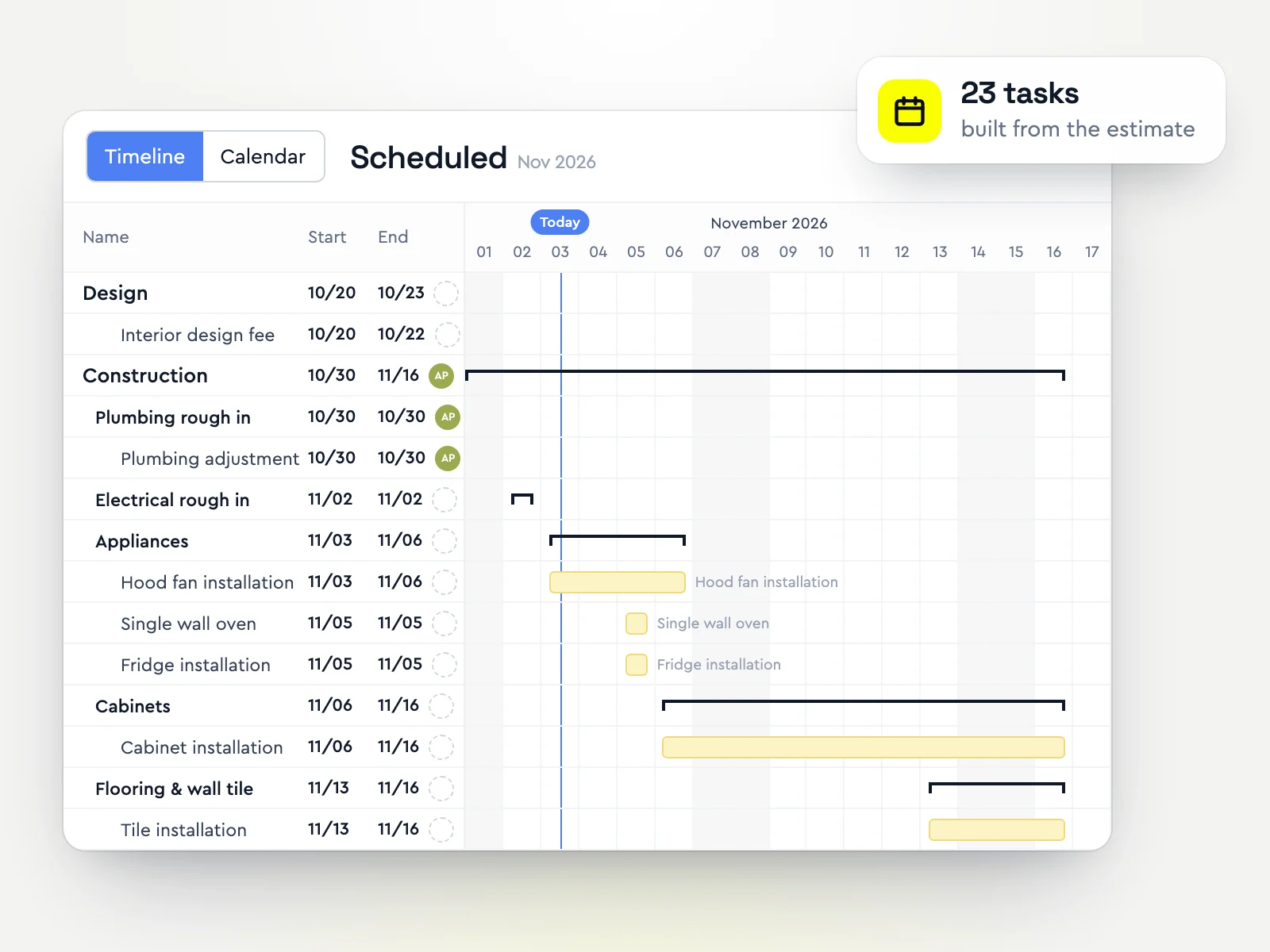
Losing track of jobs? Look at scheduling, daily logs and the sub portal.
Buildertrend, JobTread, Houzz Pro and Bolster compared
Best for: Remodelers running many jobs at onceBuildertrend covers the whole job: scheduling, daily logs, to-dos, a sub and vendor portal, purchase orders, a client portal and payments, with estimating from your own cost catalogue. It is also where CoConstruct customers are being moved.
It does not publish prices; you get a quote after a questionnaire and a sales call, and the price is tailored to your business.
Strengths- Very complete scheduling and job management
- Client, sub and vendor portals
- Long track record and large user base
Watch-outs- Quote-only pricing, set after a sales call
- Estimating works from your own catalogue, with no live regional pricing
- Can be more system than a two- or three-person remodeler needs
Price: Quote only (custom quote after a short questionnaire and sales call) (from Buildertrend's pricing page, checked October 30, 2026)
Best for: Remodelers who run on budgets and job costingJobTread is built around the budget: estimates become budgets, purchase orders and bills post against them, and you see profit by job as it happens. It includes selections and a client portal, and publishes one all-features plan.
Strengths- Strong job costing and budget tracking
- Published single plan with per-user pricing
- Unlimited client and vendor portal users
Watch-outs- Estimates rely on your own cost data, with no live regional pricing
- Proposals are standard documents rather than interactive
- Each extra internal user adds $16 to $20 a month
Price: From $159/mo billed annually ($1,908/yr), or $199/mo billed monthly, + $16-20/mo per extra internal user (from JobTread's pricing page, checked October 30, 2026)
Best for: Design-led remodelers who want leadsHouzz Pro pairs estimates, proposals and invoicing with design tools: 3D floor plans, mood boards and selection boards, plus a profile on the Houzz marketplace that can bring in leads. There is a free plan to start.
Strengths- Design tools built in
- Lead generation from the Houzz marketplace
- Free plan to try it
Watch-outs- Lighter on job costing and scheduling than Buildertrend or JobTread
- Catalogue prices are averages, not your local costs
- Team plans cost more per month
Price: From $199/mo (Pro, 1 user); annual subscription per FAQ (from Houzz Pro's pricing page, checked October 30, 2026)
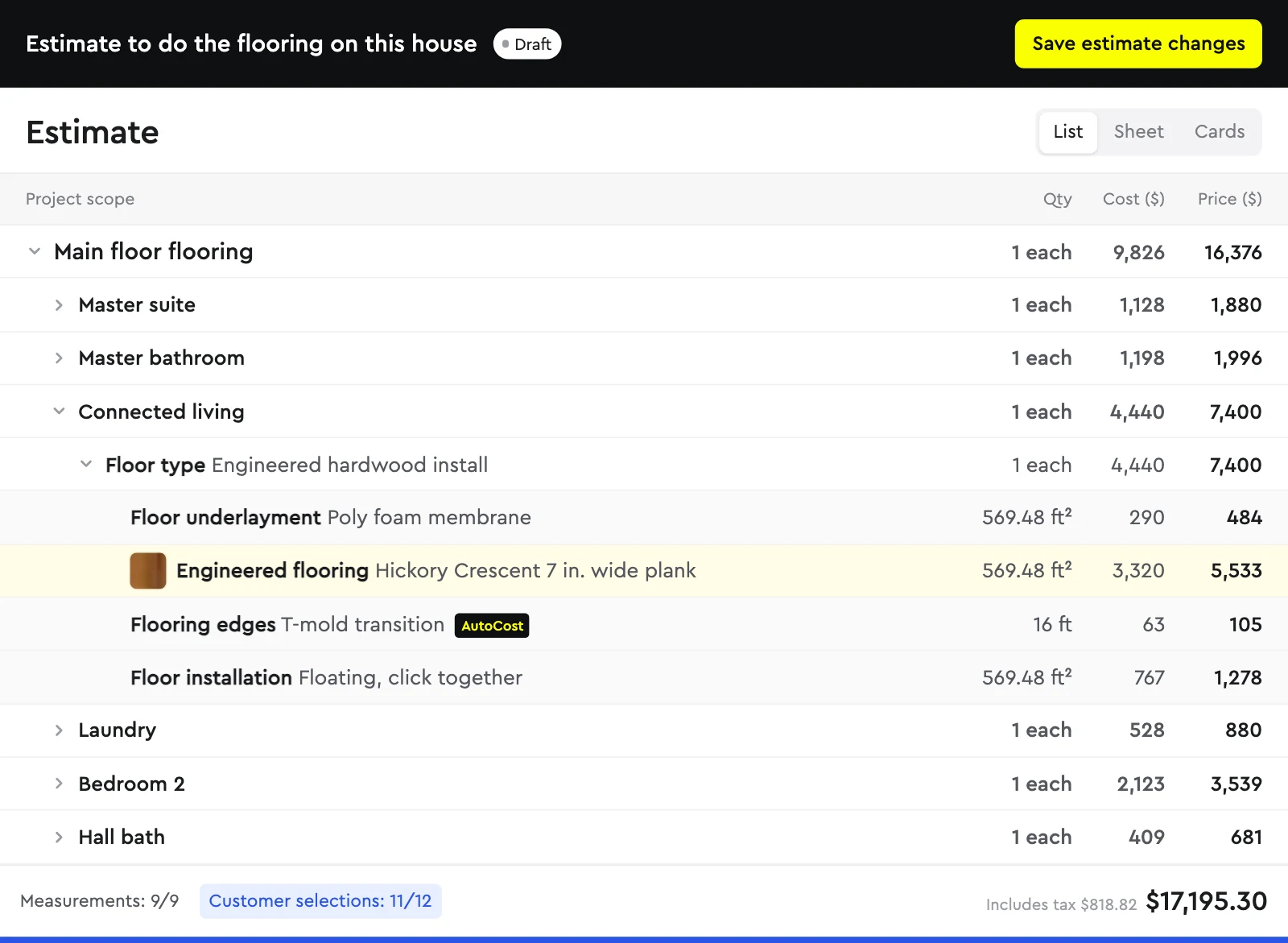
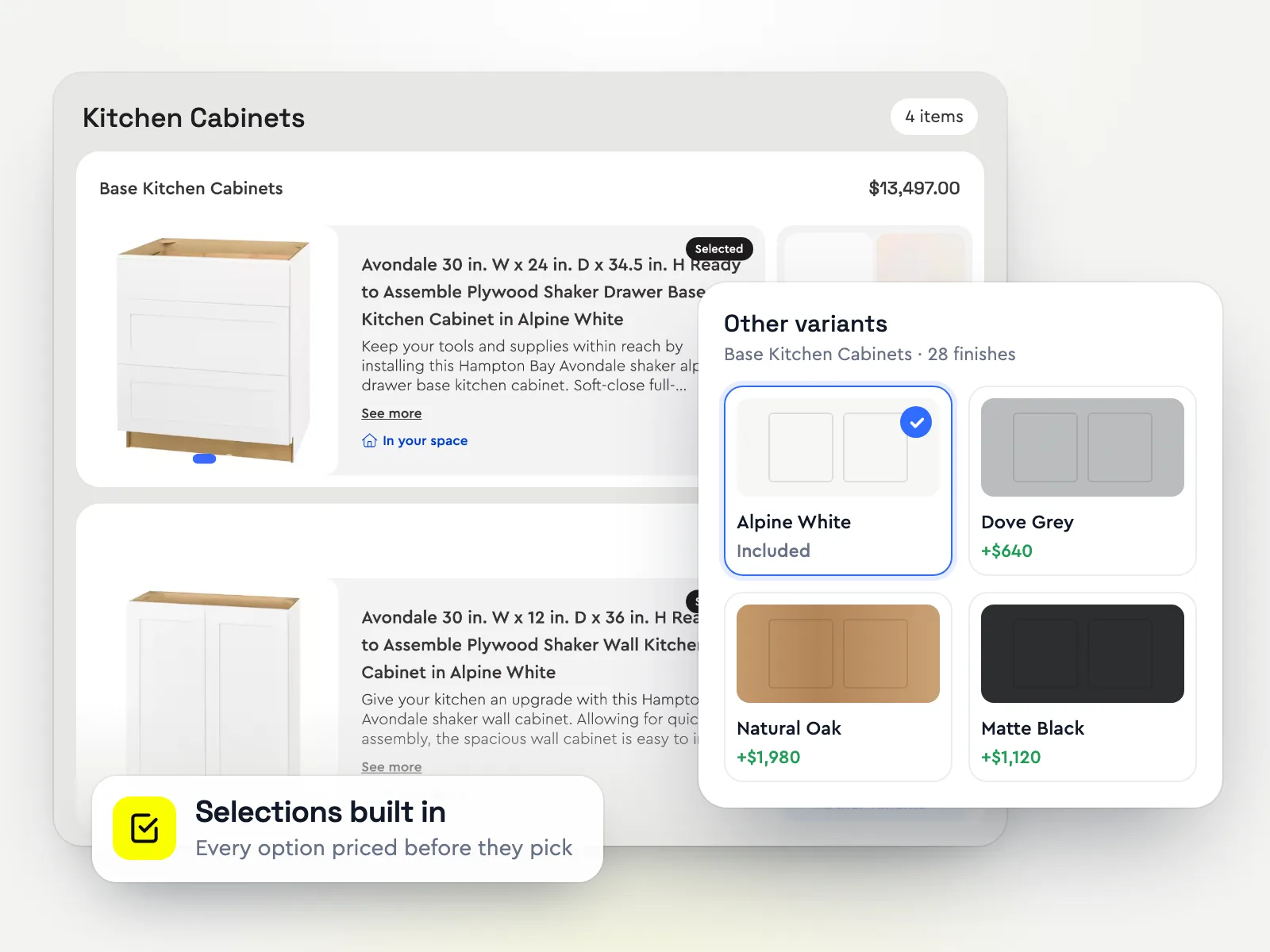
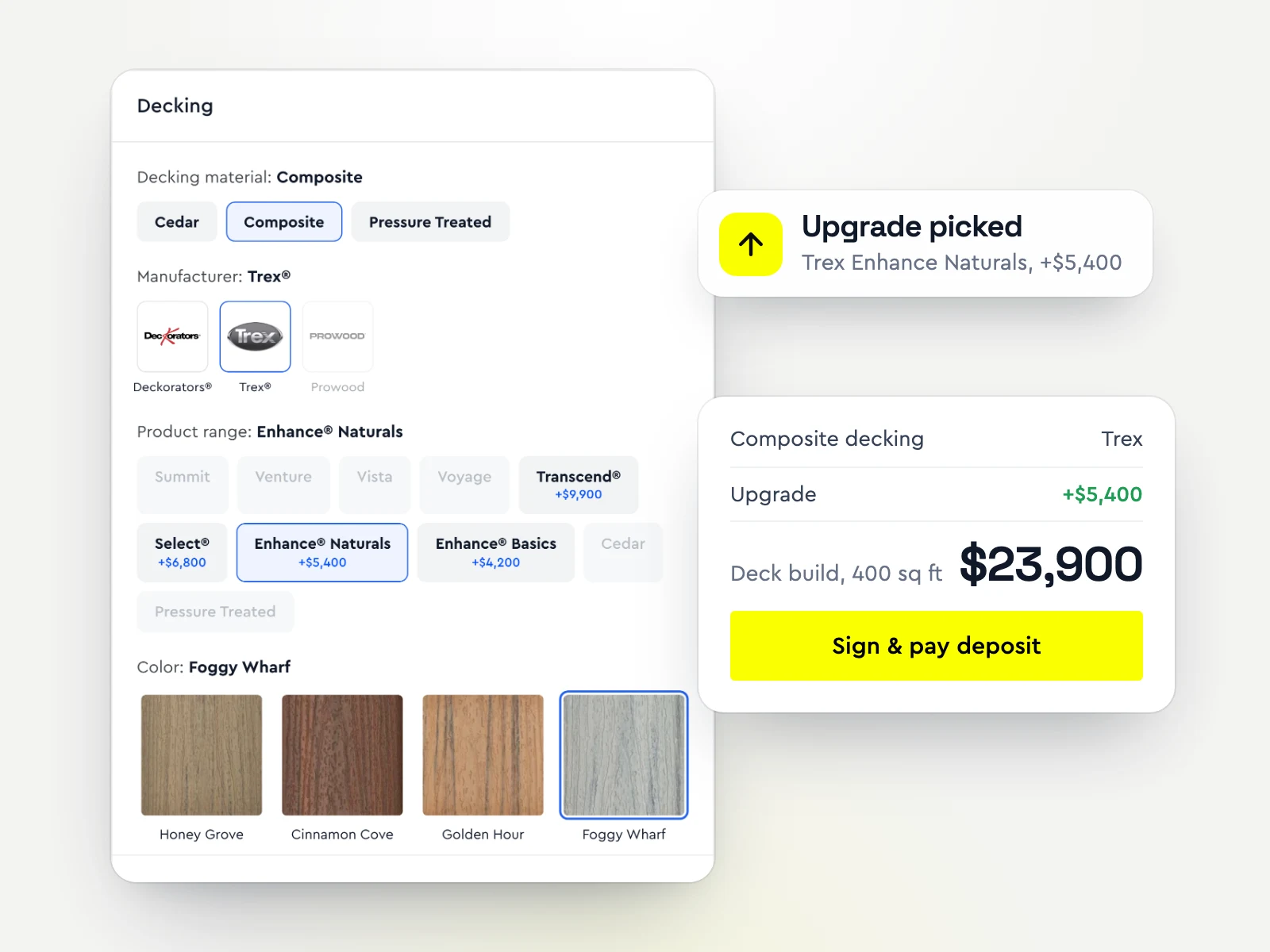
Best for: Remodelers whose bottleneck is quoting and winning jobsBolster starts where the other three are lightest: pricing and selling the job. AI estimating and kitchen and bath assemblies produce a priced estimate in minutes, with live regional material and labour costs from AutoCost. The estimate becomes an interactive proposal with photos of every room, options priced up front and a total that updates as the homeowner picks, then they sign and pay the deposit in one step.
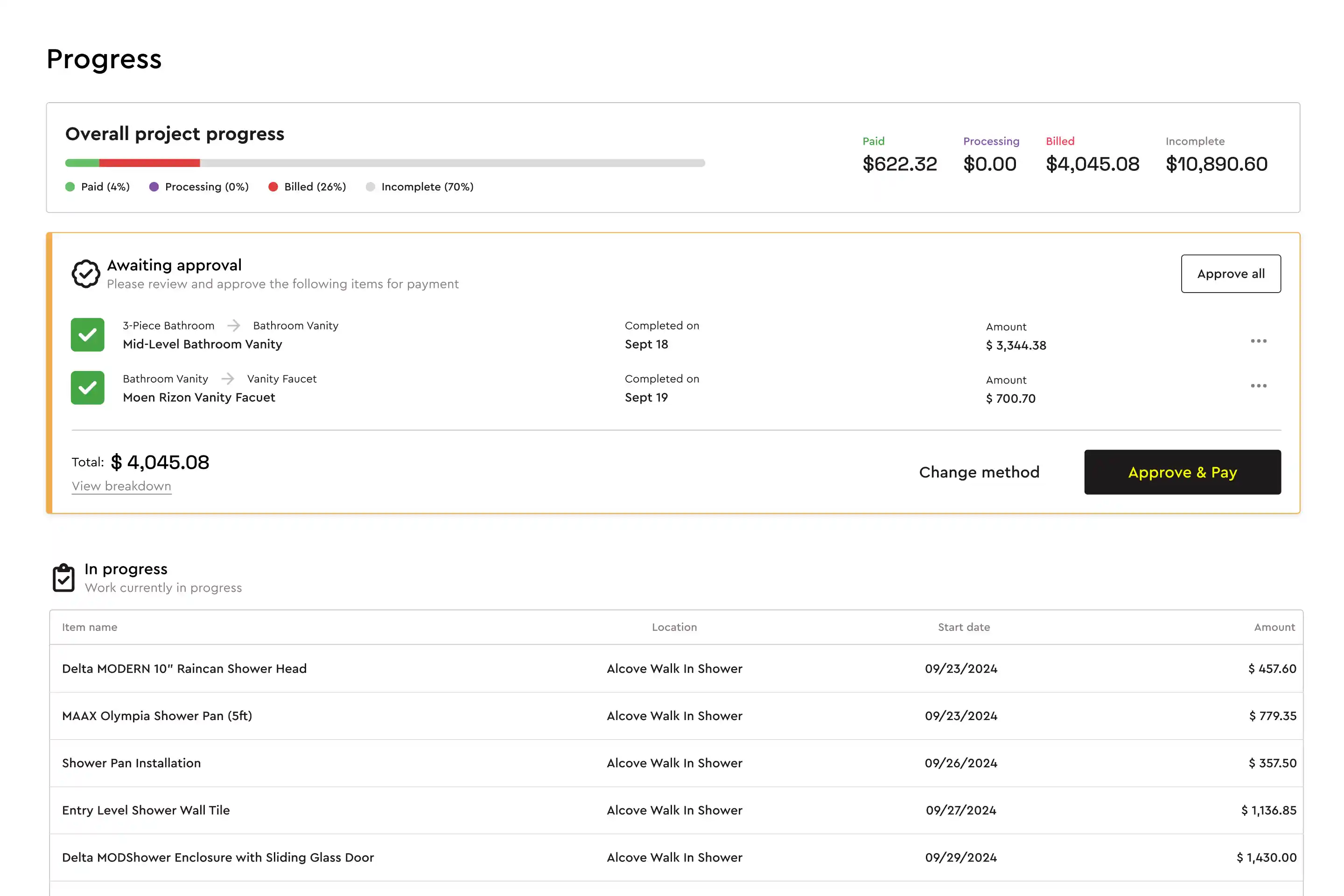
Contractors using Bolster win 20% bigger jobs at 2x the win rate. After the sale, selection changes become change orders automatically and progress payments are requested as work is done.
Strengths- Live regional pricing instead of a catalogue you maintain
- Homeowners pick upgrades, sign and pay in one proposal
- Change orders created automatically from selection changes
- Published prices, from $155/mo billed annually
Watch-outs- Built for residential contractors; commercial GCs who need submittals, RFIs and owner reporting are better served by Procore
- AI estimating, takeoff, AutoCost pricing and QuickBooks start on Pro ($399/mo billed annually, 3 users); Core covers estimates, proposals and payments
- A younger product than Buildertrend, with a shorter integration list (QuickBooks, CompanyCam, Hover, Zapier)
Price: Core from $155/mo billed annually, or $189 month to month (1 user). AI estimating, takeoff, AutoCost live pricing, automated scheduling and the QuickBooks, CompanyCam and Hover integrations are on Pro: $399/mo billed annually with 3 users (from Bolster's pricing page, checked October 30, 2026)
If you are on CoConstruct today
CoConstruct is switching off, and its customers are being offered a guided move to Buildertrend. That is the path of least resistance, but it is worth comparing before you commit to a new system for the next ten years. Bolster migrates CoConstruct customers for free. See the best CoConstruct alternatives and Bolster vs CoConstruct.
How to decide in a week
Price the same recent kitchen or bath in each tool and compare it with what the job really cost.
Send yourself the proposal and go through it as the homeowner, on your phone.
Run one change order from request to signed to invoiced.
Add up the real monthly cost for your whole team, including onboarding and payment fees.
One-on-one comparisons: Bolster vs Buildertrend, Bolster vs JobTread and Bolster vs Houzz Pro. The wider field: the best remodeling software.
Frequently asked questions
Is Buildertrend or JobTread better for a small remodeler?
Buildertrend is better if you run many jobs at once and want the deepest scheduling and job management. JobTread is better if you want tight budgets and job costing with published pricing. If quoting and winning jobs is your bottleneck, Bolster is built for that part.
Is Houzz Pro better than Buildertrend for remodelers?
For design-led remodelers who want 3D plans, mood boards and Houzz leads, often yes. For running many jobs with subs, schedules and purchase orders, Buildertrend is more complete.
How much do Buildertrend, JobTread and Houzz Pro cost?
Buildertrend does not publish prices and quotes after a sales call. JobTread starts at $159/mo billed annually ($199 monthly) for one user. Houzz Pro shows $199/mo for its Pro plan and has a free plan. Bolster starts at $155/mo billed annually. Prices checked October 30, 2026.
What happens to CoConstruct?
CoConstruct is switching off and moving customers to Buildertrend with a guided migration. Bolster also migrates CoConstruct customers for free.
Which is easiest for a two- or three-person remodeling company?
Houzz Pro and Bolster are the quickest to get running for a small team. Buildertrend does the most, which also makes it the most to set up.
How we put this together: Bolster makes one of the products on this list, so we have tried hard to be fair to the others. Each vendor's price comes from its own pricing page on the date above, and features come from the vendors' own websites and help centres. We list each tool for the kind of contractor it suits best rather than ranking them, because the right choice depends on your trade, team size and how you sell. Prices change; check the vendor's site before you buy. Spot something out of date? Email support@bolsterbuilt.com and we will fix it.